
When you start building GIs in Acumatica, everything feels pretty straightforward. You grab a couple of tables, join them, add a filter or two, and the result shows up exactly how you expect. But once you get into real payroll or finance setups – things like taxes, earnings, deductions, employee types – you suddenly notice that many GIs rely on the same set of fields.
And that’s where Source Inquiry begins to make sense.
What is a Source Inquiry?
A source inquiry is basically a GI you build to hold important information that your other GIs will frequently need. Instead of repeating the same details everywhere, you create one clean GI that becomes the “go-to” place for that data.
It works almost like a shared reference point.
Think of it as a reusable data layer in your reporting.
A good Source Inquiry usually contains:
- Has only the fields that matter
- Doesn’t include complicated filters
- Avoids unnecessary calculations
- Stays simple so other GIs can depend on it
Think of it as a common layer that everything else can tap into whenever needed.
How Do You Join a Source Inquiry in Acumatica?
Joining a Source Inquiry is not very different from adding a regular table.
Here’s the basic flow inside a GI:
- Go to the Relations tab
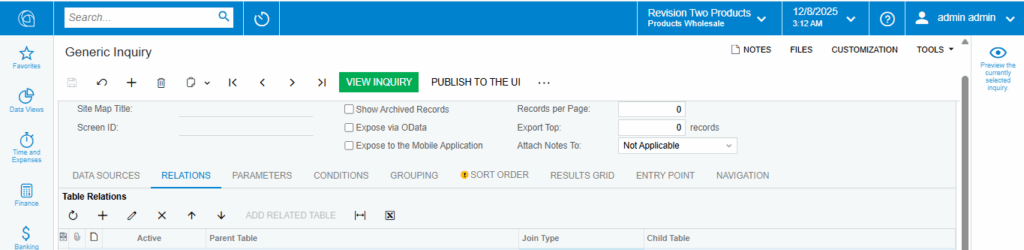
2. Select + Add
3. Changing the type to GI
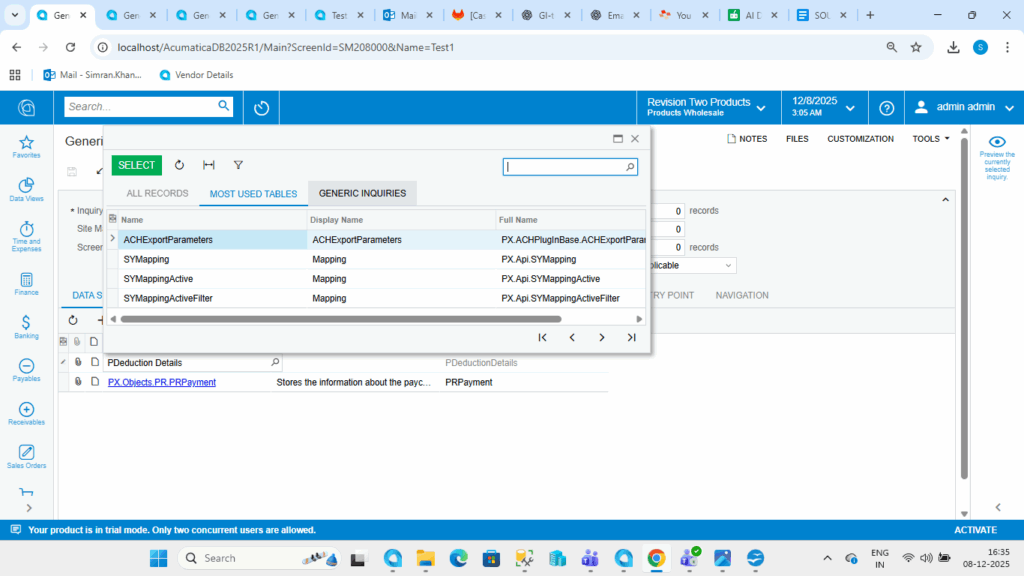
4. Choose your Source Inquiry from the list
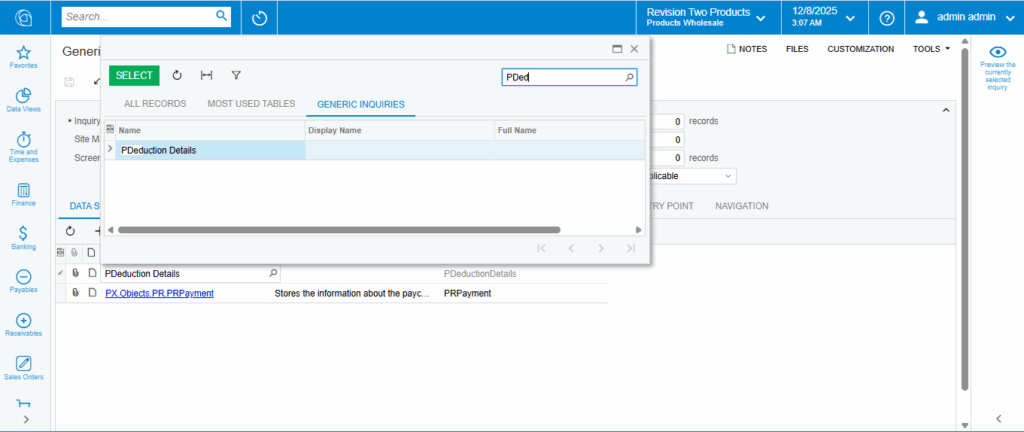
5. Join it using a key fields (like EmployeeID, ProjectID, TaxID, etc.)

6. Pull the fields you need into the Results tab
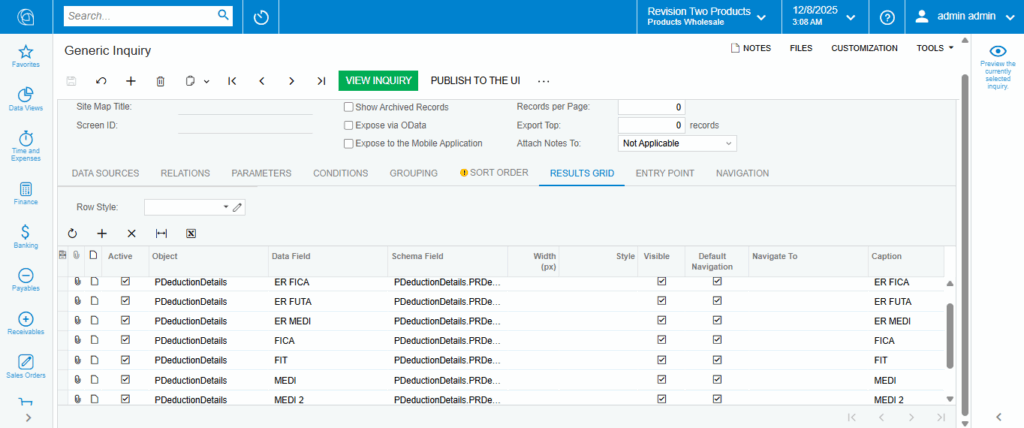
Using One Source Inquiry in Multiple GIs
Here’s where things become more practical.
Suppose you’ve created one Source Inquiry – let’s say the Tax Details GI.
This GI might contain:
- Tax IDs
- Tax categories
- Rates
- Any mapping fields you need
Now imagine you’re working on multiple GIs that all need these tax details. For example:
- Employee Earnings GI
- Employee Deductions GI
- Payroll Summary GI
Instead of setting up tax information inside each of these GIs, you simply join the Tax Details (Source Inquiry) inside all of them.
Each GI gets what it needs from the same clean source.
Nothing becomes overly complicated inside the individual GIs, and everything stays organised.
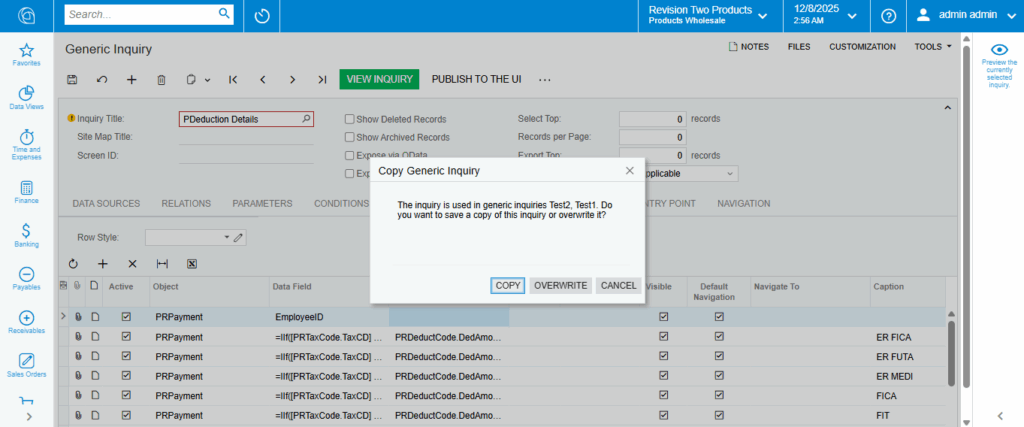
If you ever add a new tax field or make a small change, you update it in one place — the Source Inquiry — and all connected GIs automatically pick it up.
Conclusion :
A Source Inquiry gives you one reliable place to store the common fields your GIs depend on, which keeps everything cleaner and easier to manage. Instead of repeating the same setups across multiple GIs, you pull the data from this single source. Any time you update it, every connected GI automatically gets the change – making your payroll, finance, and other detailed reports much easier to maintain.