
If you work with billing groups or manage multi-document conversions in Order Entry, this release brings two updates worth knowing about.
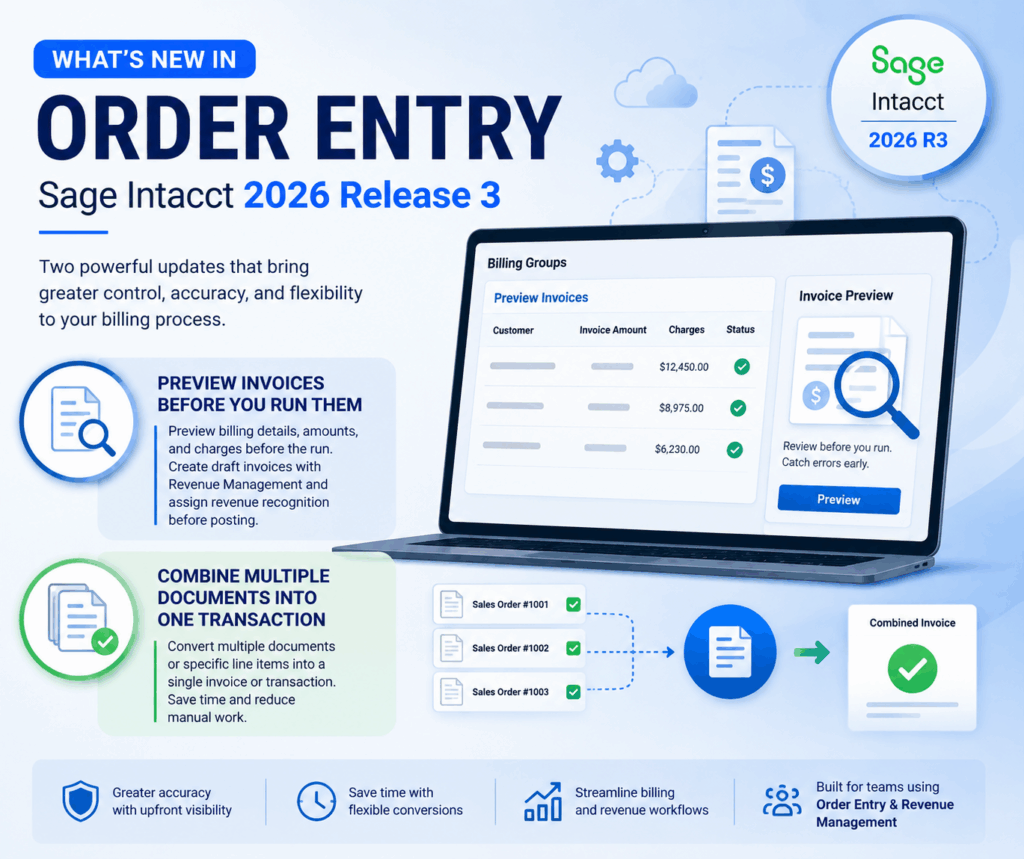
Preview invoices before you run them
Anyone who’s ever kicked off a billing group invoice run and then spotted an error afterward will appreciate this one. You can now preview invoice details before the run actually happens — billing information, invoice amounts, and charges are all visible upfront, so you can catch mistakes before they turn into corrections.
To get there, go to Order Entry > All > Billing groups > Preview invoices, pick a billing group, and review the details before starting the run. Note that if you filter by customer while previewing, that’s just for your review — the actual invoice run still picks up every customer in the billing group for that period.
For teams using Revenue Management, this update goes a step further. Invoices can now generate in Draft state (as long as the transaction definition is set up for revenue recognition), which gives you room to assign revenue recognition details before anything posts. After the draft invoice gets a document number, you can head to the Revenue Transaction Entries page to handle those assignments, make bulk edits, and post when ready.
This requires the Order Entry subscription, and Standard Revenue Recognition if you’re using the Revenue Management workflow. On the configuration side, “Enable revenue recognition” and “Display drafts on the Revenue transaction entries page” need to be turned on in the transaction definition tied to your billing group.
Full details here: Preview invoices for billing groups
Combine multiple documents into one transaction
This one’s a direct result of customer feedback — Purchasing got this same functionality last year, and now it’s made its way to Order Entry.
Previously, converting a document meant converting one full document at a time. Say you’re invoicing a customer for several sales orders — you’d have had to process each one separately, even if they logically belonged on the same invoice. Now you can pull multiple documents, or even specific line items from different orders, into a single transaction.
A practical example: imagine a recurring sales order for monthly plant maintenance, billed quarterly. Instead of sending three separate invoices, you create one invoice, select the customer, then pick each of the three-monthly orders to include. The line-item detail from each order pulls in automatically, ready to select.
To use this, you’ll first need to configure Order Entry to allow multiple source document conversion, then set up a sales transaction for “Convert multiple documents or line items into a single transaction.” From there, you select the source document ID and line ID for each item you want on the combined transaction.
Heads up: this requires advance workflow to be enabled in Order Entry, and you can only convert transactions that are in Pending or Partially Converted status.
More details here: Convert multiple documents into a transaction
About Us
Greytrix has a wide product range for Sage Intacct- a Cloud ERP. This includes migrations from QuickBooks | Sage 50 | Sage 100 | Sage 300 to Sage Intacct. Our unique GUMU™ integrations include Sage Intacct for Sage CRM | Salesforce | FTP/SFTP | Rev.io | Checkbook | Dynamics 365 CRM | Magento | Rent Manager | Treez | Avalara Avatax | Blackline SFTP. We also offer best-in-class Sage Intacct Development Services, Consulting services, integrated apps like POS | WMS | Payroll | Shipping System | Business Intelligence | eCommerce for Sage Intacct to Sage business partners, resellers, and Sage PSG worldwide. Greytrix constantly develops apps, products, and add-ons to enhance user experience. Sage Intacct add-ons include AR Lockbox File Processing.
Greytrix GUMU™ integration for Sage CRM – Sage Intacct, Sales Commission App for Sage Intacct, and Checkbook.io ACH/Digital Check Payments for Sage powered by GUMU™ are listed on Sage Intacct Marketplace.
The GUMU™ Cloud framework by Greytrix forms the backbone of cloud integrations that are managed in real-time for the processing and execution of application programs at the click of a button.
For more information on Sage Business Cloud Services, please contact us at sagecloud@greytrix.com. We will like to hear from you.