
A subsidy is a benefit given to a business by the government, usually to remove a burden or promote a social good or economic policy. Subsidies can be direct, like cash payments, or indirect, like tax breaks.
To keep the track of following Sage X3 has added a new function as GESGRT.
A subsidy is typically provided by an organization or government agency to partially or fully fund an investment project, which has been previously defined in the miscellaneous table 614. A single project can receive subsidies from multiple organizations.
This function allows for the entry of subsidy details, including:
- The issuing organization
- The subsidy type (either a lump sum or a percentage of the investment amount, potentially capped)
- The specific investment project receiving the subsidy
- The related analytical and accounting postings
Additionally, the function tracks successive cash receipts and ensures they align with the total subsidy amount.
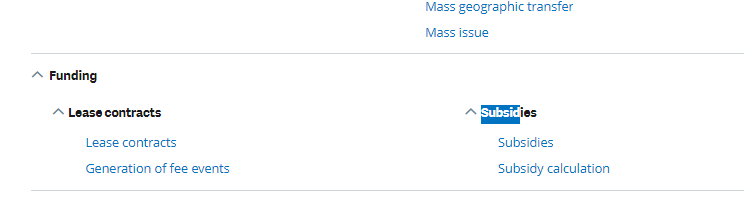
Fig 1. Navigation Page
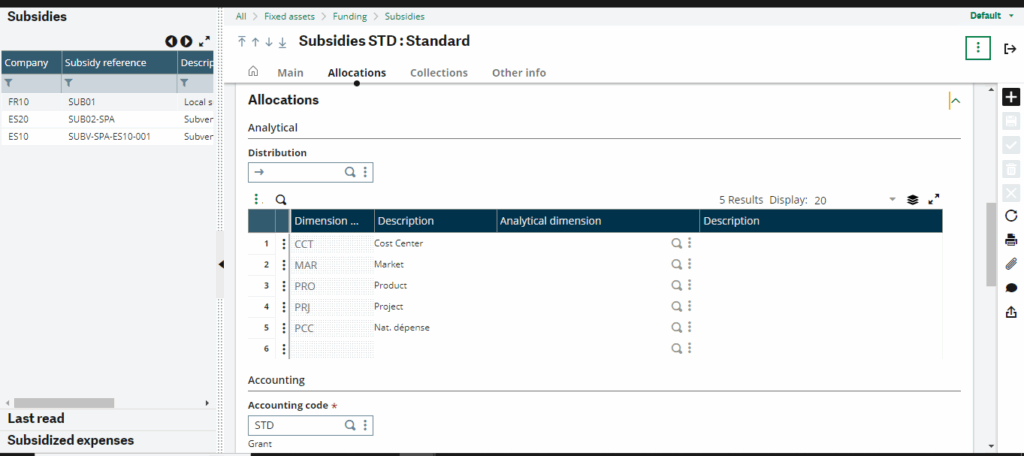
Fig 2 .Home Page
Home page for following function consist of the Site at which the collections as subsidy is received along with organization , reference and agreement date.
The header contains the subsidy identification information, the financial site to which it is assigned, its reference and its description.
The management of the expense reference depends on the value of the GRTAUTNUM – Subsidy numbering setup.
– This reference MUST be entered if automatic numbering is not used (the setup has the value None).
– It cannot be entered if the setup has the value: Mandatory. This reference will be automatically assigned when validating the creation.
– It can be entered if the automatic numbering is Optional. Otherwise, it will be automatically assigned.
The reference assigned to the asset depends on the setup of the counter assigned to the Subsidy reference field in the Fixed Assets module. (Functions: Structure of counters and Sequence number assignment).
The site and title are mandatory.
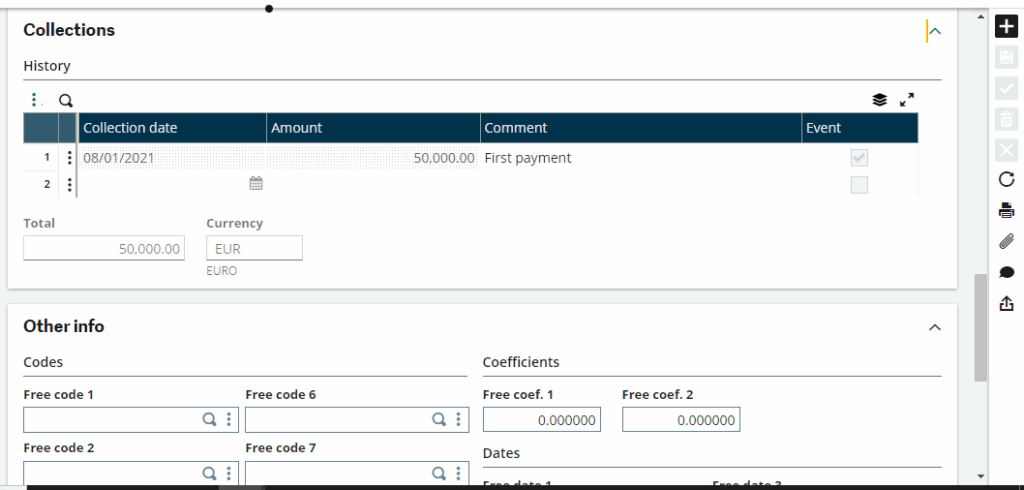
Fig 3.Collections
This Collections tab is used to enter the dates and amounts of successive collections to monitor the status of the subsidy.
Entering a collection automatically generates a subsidy collection event, GRTCASH (with the motive: Creation). The user can view these events in the Events Journal window, accessible from the Other Info tab, for detailed information.
A collection line cannot be deleted directly. To remove it, the user must enter a negative collection, which will generate a reversal event.
Thus, Sage X3’s Subsidies Management function (GESGRT) helps users efficiently manage subsidy details, track collections, and maintain accurate financial records. It provides better visibility and control over subsidies received for investment projects.