
While working with customizations and mods in Sage X3, you have to export the customizations through patch files. There are few important components that are to be added while exporting customizations. In the below particular blog, we will get to know how we can add Report destinations in a patch file. Follow the below points to achieve the same:
Adding ARP (Reports) component only to the patch file will not carry the destination onto the patch file. To achieve the same, you will have to add a component, ‘AIM’ into the patch which carries over the Destination component. Use the below snippet to add the Object name:
COD=’PDF’
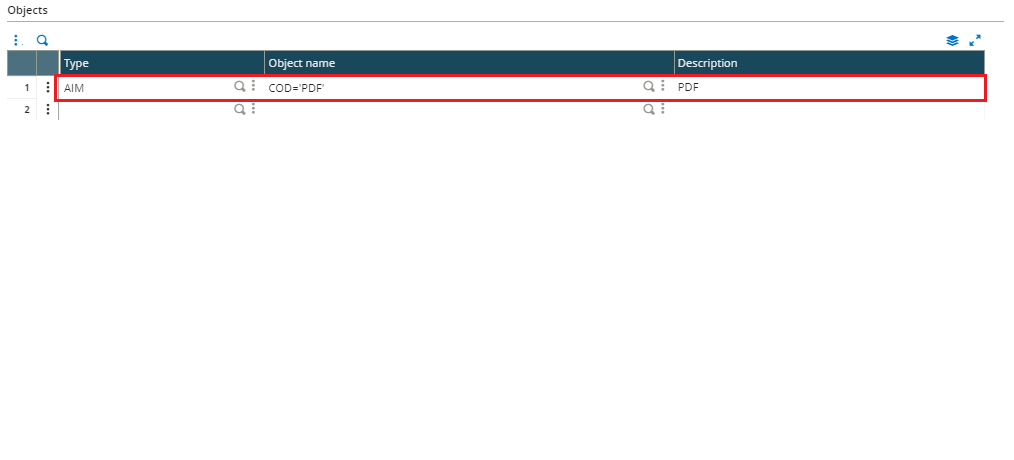
Fig1. Report Destinations code
In the above snippet, assign the Destination code to COD which will attach the Destination to the patch component.
Conclusion: We hope that the above blog helps you to smooth and streamline adding components in the patch creation and customization movement.
Keywords: “Destinations in patch”, “Patch creation”, “Report Destinations in patch”.